
How to log in your membership portalUpdated 2 months ago
Hello!
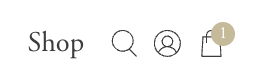
To access your membership portal, you will go to bulletjournal.com and click on the little person icon between the search and shopping bag icons on the top right. Do not use shop to log in, log in with your email. A code will be sent to your email (please check your spam and other folders if you do not see it in your inbox).
Enter the code and it will log you in, click Membership management on the left side and then you will see your portal. Click Membership Details and there you can edit your payment method or upgrade your membership.
Here is the video of the steps to log in.